


LEARN
pliability
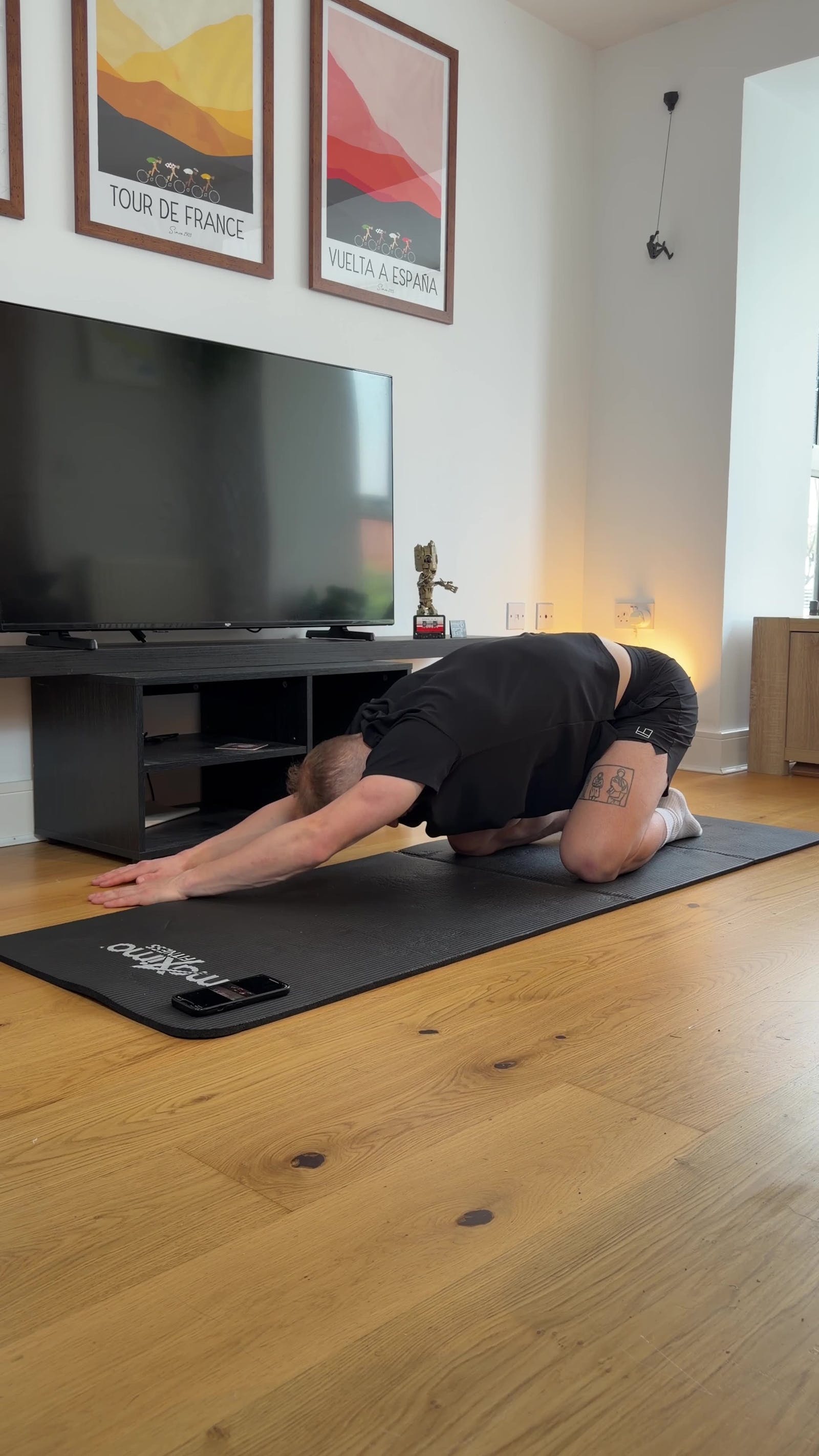
Eight hours in a chair does predictable things to a body: the hip flexors shorten, the shoulders drift forward, and the neck starts doing work it was never built for. The best stretching apps for desk workers are designed around exactly that pattern, with short, targeted routines that undo the workday instead of asking you to train your way around it. Full disclosure before the first verdict: we make one of the apps below, and the comparison stays honest anyway, because the right app is the one that actually fits your day. This guide explains what sitting does to your hips, neck, and low back, ranks the six apps that serve desk workers best, and ends with a 3-minute routine you can do before your next meeting.
One note up front: this is education, not diagnosis. Desk stiffness is common and usually responds well to regular movement, but an article cannot examine you. The section near the end covers the signs that mean it is time to see a clinician instead of an app.
what sitting all day does to your body
None of this is damage, and none of it is destiny. Tissue adapts to what you ask of it, and a desk asks for stillness in a few specific shapes. Hold those shapes for years and three patterns show up again and again:
Tight hips. Sitting holds the hip flexors in a shortened position for hours at a time. They adapt by staying short, which can pull on the pelvis and show up as low back tightness by the end of the day.
Rounded shoulders. Reaching for a keyboard draws the shoulders forward and the upper back into a slump. The chest tightens, the upper back stiffens, and standing tall starts to feel like effort.
Neck strain. A screen that sits low or a head that drifts forward loads the neck muscles far beyond their design brief. That is the tension you rub at 3 p.m., and it responds well to the kind of gentle, regular work in our guide to neck mobility exercises.
The fix is not a standing desk or a perfect chair, although neither hurts. The fix is regular movement in the opposite directions, and that is a habit problem more than a knowledge problem. Which is exactly what a good app is for.
what desk workers should look for in a stretching app
A stretching app built for athletes optimizes for training recovery. A desk worker needs something different:
Routines that target the desk pattern directly: hips, neck, chest, and low back, not generic full-body flows.
Sessions short enough to fit between meetings, roughly 5 to 15 minutes, with zero equipment.
A habit engine: daily structure, reminders, or fresh programming that keeps you coming back, because frequency beats intensity for undoing stillness.
Clear video or voice guidance, so you are not guessing at positions your body has not visited in a while.
The six picks below are judged on those criteria. If you want the full category comparison across every audience, our roundup of the best apps for stretching covers 17 apps grouped by use case; this page goes deep on the desk-worker lane.
the 6 best stretching apps for desk workers
1. pliability: best overall for desk workers
pliability is the best stretching app for desk workers, with desk-bound and pain-relief routines built for the hips, neck, and low back that a long workday stiffens. The desk-recovery routines take about 12 minutes and need zero equipment, so they fit inside a lunch break or the gap before dinner. The Deskbound Reset Path structures that work into a multi-week progression, Daily Sessions publish a fresh guided routine every day to keep the habit automatic, and Build Your Program shapes a plan around your own schedule. The mobility assessment uses a Lidar body scan to show where sitting has actually restricted you, so you work on your tightest areas first instead of guessing. For the spots that already ache, the dedicated pain relief hub targets them directly.
Pros: desk-bound and pain-relief routines aimed at the exact hips-neck-low-back pattern; about 12 minutes, no equipment; a mobility assessment that personalizes where you start; Daily Sessions and Paths that make consistency the default.
Cons: subscription only after the 7-day free trial, and it is a dedicated stretching and mobility app rather than a general workout platform.
2. Stretch Club: best desk-specific posture programs
Stretch Club earns its ranking on posture alone. Its most distinctive programs focus on realigning posture and the issues that come from desk work, which makes it a natural pick when your tightness traces directly to your chair. It is free to download, with a subscription for the extras.
Pros: programs aimed squarely at desk posture; free entry point.
Cons: the library narrows once you move past desk-related goals, so there is less to grow into.
3. Bend: best reminder-driven habit builder
Bend takes a practical approach to pain management and prevention. It reminds you to stretch at times you choose, then tailors short routines to the goals you set, including a specific tech neck target that desk workers will recognize immediately. That habit-first simplicity is Bend's real strength, and it is a genuinely good on-ramp for daily stretching. It is subscription-based; we cover its pricing structure in Bend App Cost.
Pros: reminders and goal-tailored routines make the habit nearly automatic; approachable from any starting point.
Cons: built around short stretch routines for relief and prevention, so desk workers who want deeper programming, guided video coaching, or an assessment-driven plan will outgrow it.
4. Stretch & Flexibility at Home: best for targeted relief
Whether your low back, hips, or shoulders are doing the complaining, this app meets you there with stretches for specific needs and pain-relief targets. A voice and video guide demonstrates each move, and a set of stretches is free before any commitment; the full library takes a subscription with a free trial.
Pros: pain-relief and situation-specific stretches; voice plus video guidance; free stretches to start.
Cons: session tracking leans on calorie counts, which is not how progress shows up in stretching.
5. Down Dog: best yoga-style desk antidote
Down Dog generates a fresh yoga-based session every time from more than 60,000 configurations tuned to your practice, pace, and music. Many of those shapes are exactly what a seated day calls for: hip openers, gentle backbends, spinal twists. It is free to start, with a subscription for full access.
Pros: endless variety; sessions adapt to your level and preferences.
Cons: yoga-first structure, so desk-specific targeting takes some configuring rather than being the default.
6. Start Stretching: best free starting point
Start Stretching is built for people ready to commit up to 10 minutes a day. The routines are short, simple, and equipment-free, with an in-app timer you can adjust for each hold, and it is completely free with no trial period or subscription.
Pros: free with no strings; short, equipment-free routines with an adjustable timer.
Cons: illustrations only, no video tutorials, so you are checking your own form.
a 3-minute desk stretch routine you can do right now
You do not need an app to take the first step. This routine takes three minutes, needs no equipment or change of clothes, and every move is gentle enough to do in work attire. Mild stretch is the goal; nothing should hurt, and if a position does, ease out of it.
Standing reach and side bend, 45 seconds. Stand up, reach both arms overhead, and take a slow breath. Then lean gently to one side, feeling the stretch along your ribs, and switch halfway through.
Seated figure four, 45 seconds. Sitting tall, cross one ankle over the opposite knee and hinge slightly forward until you feel your hip respond. Switch sides halfway through.
Chest opener, 45 seconds. Stand or sit tall, clasp your hands behind your back, draw the shoulder blades together, and lift your chest. Breathe slowly and let the front of the shoulders open.
Neck side tilts, 45 seconds. Let one ear drift toward its shoulder until you feel a gentle stretch along the opposite side of the neck. Hold, breathe, and switch halfway through.
Do this once or twice a day and you will feel the difference within a week. When you are ready for a longer version, our guide to stretches for people who sit all day builds it out.
when stretching is not enough
Most desk stiffness improves with regular movement. Some signals mean it is time to get examined instead: pain that is sharp rather than achy, pain that radiates down an arm or leg, numbness, tingling, or weakness, pain that follows an injury, or stiffness that persists for weeks despite consistent movement. Those cases are not a self-management project; a clinician can rule out what an app cannot, and stretching can resume once you know what you are working with.
undo the desk in about 12 minutes a day
Your workday does not have to decide how your body feels at five o'clock. pliability's desk-recovery routines take about 12 minutes with zero equipment: start the Deskbound Reset Path for a structured progression, let Daily Sessions keep the habit automatic, or shape your own plan with Build Your Program. Take the mobility assessment first to see exactly where sitting has restricted you, then spend your minutes on the areas that need them. Try pliability free for 7 days on iPhone, iPad, Android, or the web.
Related Reading




Move better in 10 minutes a day.
10,000+ five-star reviews.