


LEARN
pliability

CrossFit asks a lot: strength, engine, skill work, and the discipline to keep showing up. The best CrossFit apps take some of that load off, writing your programming, generating WODs when you need variety, timing your intervals, logging your scores, and handling the recovery work that keeps you training. This guide covers 21 apps worth your phone storage, grouped by the job each one does. Full disclosure: we make one of them. The comparison stays honest anyway, because the right CrossFit app is the one that fits your training, your equipment, and your goals.
why use a CrossFit app?
Three reasons come up again and again. Convenience: a workout at your fingertips means the garage gym session actually happens, with no commute and no class schedule to work around. Cost: a box membership buys you coaching and community, but it costs several times what any app subscription does, and for athletes with a home setup, an app fills the programming gap for a fraction of the price. Expert programming: the best CrossFit apps are programmed by certified coaches and Games-level athletes, so each training cycle builds toward something instead of stringing random workouts together.
An app will not replace a coach watching your snatch. But as a programming engine, a logbook, and a recovery system, the right stack of apps covers a surprising amount of what a serious athlete needs.
the 21 best CrossFit apps
Prices and trials change constantly in this category, so we describe pricing structurally (free tier, subscription, one-time purchase) and leave current numbers to the store listings. Every app here earned its spot for a specific athlete and a specific job.
mobility and recovery apps for CrossFit
We are starting with the half of training most CrossFit athletes skip. Squat snatches, overhead squats, pistols, and kipping all demand ranges of motion that high-volume training slowly takes away, and CrossFit recovery work is what gives them back. If you came for programming, jump ahead. Your hips will bring you back.
1. pliability: Mobility and Recovery Built for the CrossFit Athlete
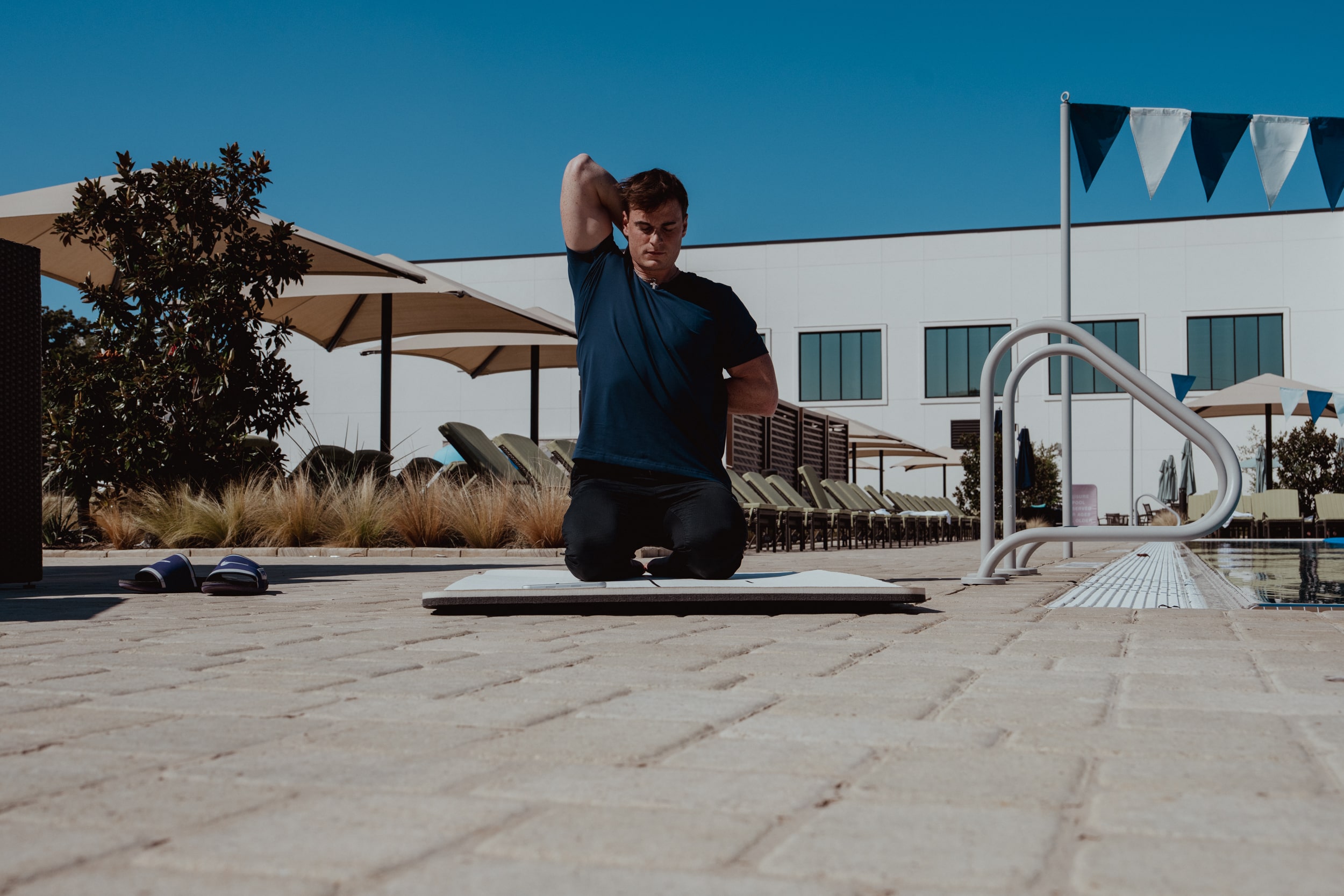
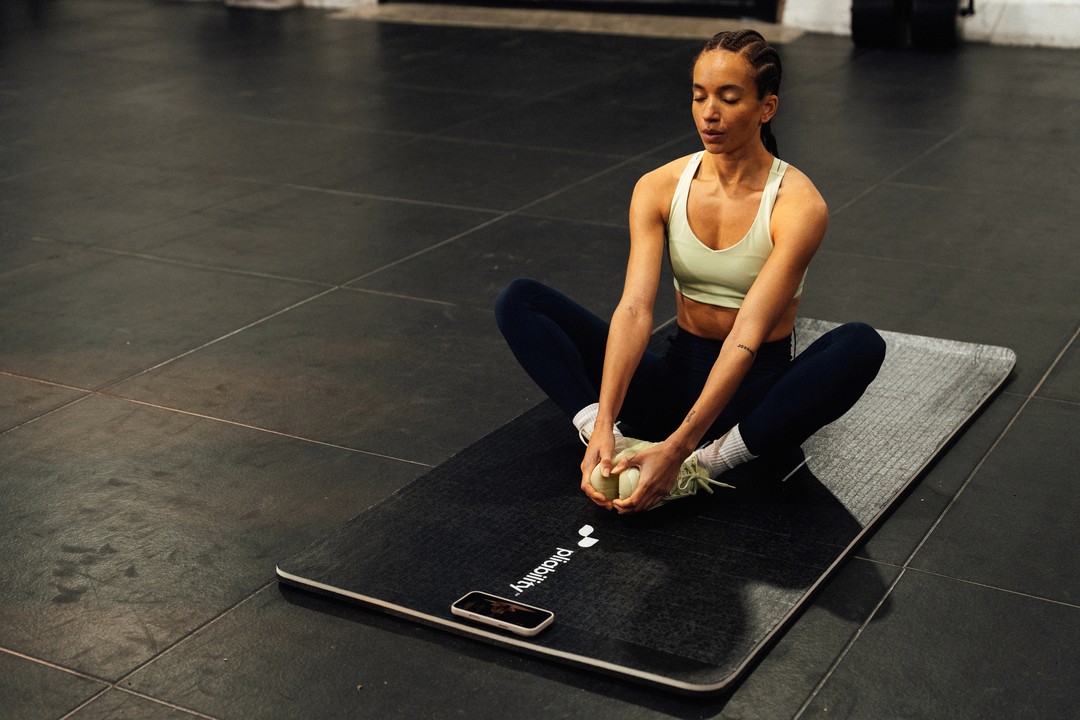
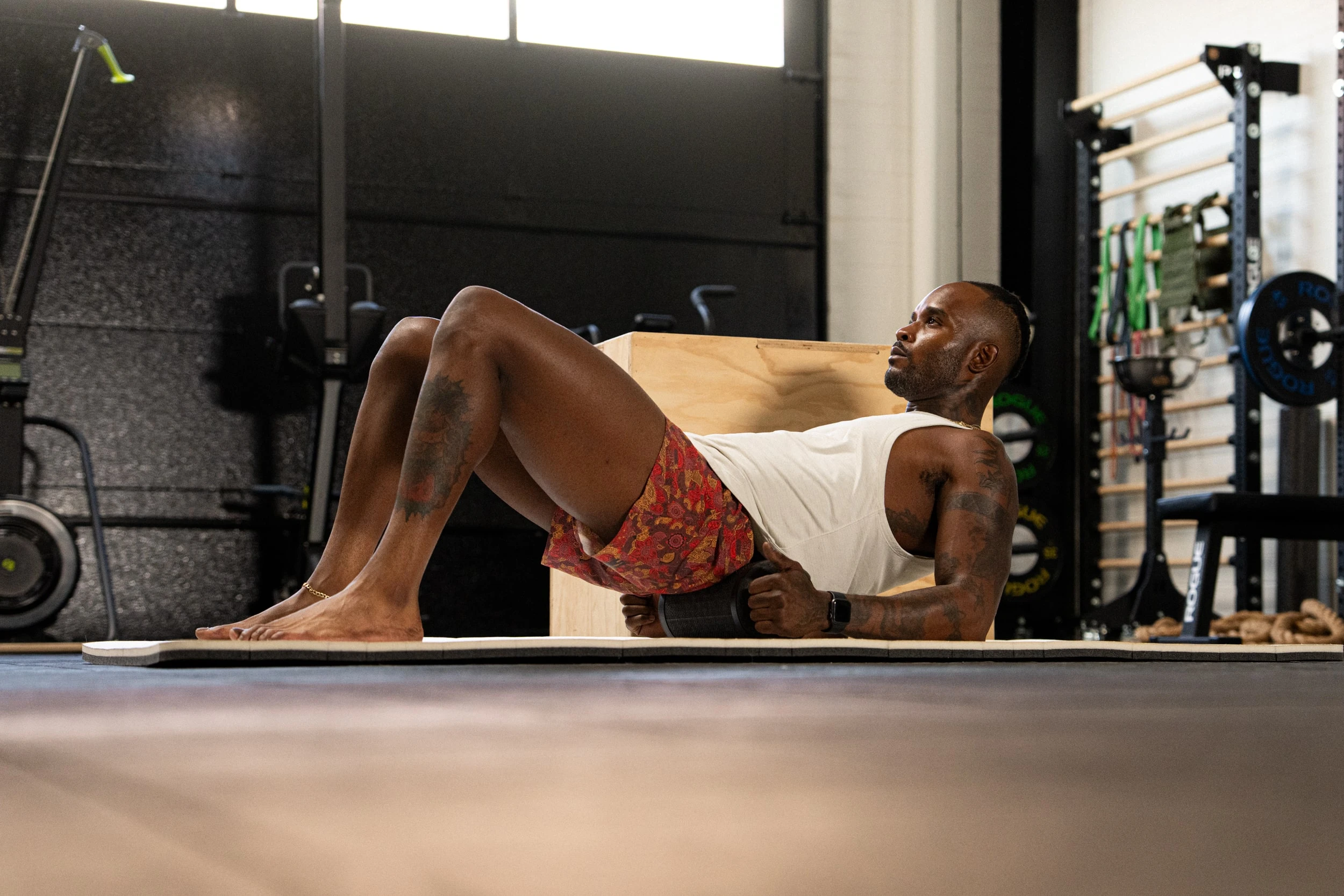
pliability grew up in this sport. Formerly ROMWOD, it has been the recovery staple of functional fitness since the mid-2010s, and it exists for the athlete whose power snatch rides an elevator to the bottom of a squat snatch, who cannot Sots press more than a training bar, or who needs lifters to hit a pistol. The app delivers over 1,500 guided video sessions blending passive stretching, active mobility, and breathwork: Daily Sessions give you a fresh routine every day, Paths run multi-week progressions toward a specific restriction, Build Your Program shapes the plan around your training, and a mobility assessment pinpoints what is actually tight. Sessions filter by length, so even ten minutes between work and the 6 p.m. class counts, and consistent daily work is the honest answer to how to get flexible fast. What it will not do: write your metcons or log your Fran time. Pair it with any programming app on this list. Subscription with monthly and annual plans, everything included, and a 7-day free trial on iPhone, iPad, Android, and the web.
2. GOWOD: The Best Mobility Test in the Category
GOWOD comes from the same CrossFit world and remains pliability's closest competitor. Its mobility test is the best we have used in any app, ours included: it scores five areas, flags side-to-side imbalances, and turns the results into a personalized program you can retest monthly. Enter your workout of the day and it recommends pre- and post-WOD stretches matched to that training. Its free plan is the most generous in the category, offering real movements and workouts rather than a locked-down teaser, and premium runs on a subscription with a 14-day trial. The two apps overlap enough that the choice often comes down to preference; we compared them feature by feature in GOWOD vs pliability. iOS and Android.
CrossFit programming apps
These are the apps that answer the biggest question in a program-less athlete's day: what am I doing today, and why? The best CrossFit programming follows a plan, and each of these delivers one written by people who coach for a living.
3. Beyond the Whiteboard: The Best Overall CrossFit App
If one app has to do everything, it is Beyond the Whiteboard. Athletes get workout tracking for strength work, metcons, AMRAPs, EMOMs, and benchmark WODs, plus the CrossFit.com main-site workouts and VNR (Varied, Not Random) programming with beginner, intermediate, and advanced tracks, including dumbbell-only and bodyweight-only options. Each movement carries a description and a short demo video, and the platform doubles as a programming hub for affiliates, so your whole gym can log and compare results. Programs from name coaches, like PRVN or Westside Barbell strength templates, cost extra as a subscription or one-time purchase on top of the base plan. The base subscription comes with a generous 30-day free trial. iOS and Android.
4. Street Parking: The Best CrossFit App for Beginners
Street Parking's trick is that every workout ships in four versions: three that scale to your equipment, and a SHIFT version that scales the whole program down for beginners. Workouts target 15 to 25 minutes, coaches explain the stimulus and focus behind each one, and optional strength, mobility, and skill work rounds out the week. There is no free trial, but the website posts a free week of sample workouts with every scaling option shown. Subscription pricing with monthly and multi-month plans. The app has historically been iOS-only, so Android users should check the store before committing.
5. Train Hard: The Best CrossFit App for Advanced Athletes
Built by 2008 CrossFit Games champion Jason Khalipa, Train Hard offers three tracks: Force (traditional CrossFit-style programming), Flex (a bodybuilding and functional training hybrid), and EMOM. The programming pushes experienced athletes out of their comfort zone, and the instructions assume you already know your way around a barbell, which is exactly why we slot it here rather than with the beginner options. Subscription with a free trial, on iOS.
6. NCFit: Personalized Plans and Daily Challenges
NCFit builds custom workout plans around your age, height, weight, and fitness level, then keeps you moving with daily challenges tailored to your goals. Its workout log tracks lifts and mile times over months, so progress is visible instead of vibes-based. A solid pick for athletes who want programming that adapts to them rather than a fixed track.
7. Functional Bodybuilding: Structure With Lower Intensity
Created by Games athlete Marcus Filly, Functional Bodybuilding keeps the variety and structure of CrossFit while deliberately prescribing more moderate intensity: tempo work, EMOMs, hypertrophy-focused lifts, pre-fatigue sessions, and mobility work, with coach's notes explaining every session. If traditional programming has burned you out but you still love training with intent, this is the pick. Subscription-based.
WOD generator apps
A generator will not periodize your year, but when you want a hard workout in the next five minutes built around the equipment you actually own, these are the best WOD apps for the job.
8. SmartWOD: The Best WOD Generator
SmartWOD generates workouts filtered by your equipment and the movements you want to train, with the precision to select pull-up bars but deselect muscle-ups. The free version carries nearly all of it; a modest premium tier, available as a subscription or a one-time lifetime purchase, adds warm-up videos, bookmarking, and extra filters. There is no community or accountability layer, so bring your own motivation. iOS and Android.
9. WOD Roulette: The Best Budget CrossFit App
Spin the wheel or shake your phone and WOD Roulette serves up workout options from a deep library: classic benchmarks, max lifts, ladders, team workouts, and bodyweight pieces, each with easy, medium, and complex scaling. The app is fully functional for free with ads, and a small one-time purchase removes them. The catch: no video or audio instruction, so you need to know your movements before you spin. iOS and Android.
10. Hero WOD: The Best Generator for Android
Hero WOD is a WOD creator with thousands of workouts filtered by your equipment and skill level, each with a built-in timer. You can save favorites, track records over time, plan training on a calendar, and run AMRAP, EMOM, and Tabata generators. Not affiliated with CrossFit, Inc., but very much built for the training style.
11. WODster: Hundreds of WODs Plus Your Whiteboard
WODster packs hundreds of workouts, countdown, Tabata, and stopwatch timers, and a random picker for indecisive days. Its best feature: photograph the whiteboard at your box and save the workout for later. Free with optional paid upgrades, so you choose your own spending level.
WOD timer apps
Every CrossFit workout is a clock problem. These two solve it cleanly.
12. Hero Timer: Every Format, One App
Hero Timer handles Tabata, HIIT, AMRAP, EMOM, and For Time formats with count-up and count-down chronometers, multi-round configuration, and a landscape mode that turns your phone into a gym wall clock. You can review, share, and repeat past workouts. Not affiliated with CrossFit, Inc.
13. Time2WOD: The Timer That Never Loses Count
Time2WOD's signature feature is reliability: close the app mid-workout or let your phone die, and the timer picks up exactly where it should be when you relaunch. The free version covers count-up, countdown, interval, and Tabata timers plus a few custom slots; the paid version opens a database of hundreds of preconfigured timers for popular WODs, unlimited custom timers, and cross-device backup. iOS.
CrossFit workout tracking and community apps
The whiteboard and the people around it are half of why CrossFit works. These crossfit workout apps bring both to your phone.
14. SugarWOD: The Best CrossFit App for Community
SugarWOD delivers the CrossFit main-site workout daily, connects you to your gym's programming, and lets you log scores, track benchmarks and PRs, and trade "fist bumps" on other athletes' results. Friendly leaderboard competition and a built-in WOD timer round it out. It is free for athletes and coaches, with gyms paying based on membership size. Navigation takes some learning, but the community features are the best in the category. iOS and Android.
15. Wodify: Best When Your Box Runs On It
Wodify is a full gym platform: class scheduling, leaderboard tracking, performance analytics, and coach-to-athlete communication in one place. As an individual you get real-time insight into your numbers and a leaderboard to chase; for gym owners it manages the whole operation. If your affiliate uses it, the app becomes your training home base.
16. myWOD: The Flexible Logbook
myWOD logs every dimension of training: reps, loads, times, custom routines, or its preloaded workouts. It syncs with smartwatches and heart rate monitors for accurate real-time data, includes instructional videos for beginners, and shares results socially for accountability. iOS and Android.
17. Wodstalk: Simple Score Tracking, Online or Off
Wodstalk keeps your CrossFit results, achievements, and rep-max scores in one place, stored both on your device and in the cloud so it works offline. It is free with optional in-app purchases, and its user ratings have consistently ranked among the highest of any CrossFit app. iOS and Android.
nutrition, news, and the Games
The training is only part of the sport. These cover the plate, the headlines, and the leaderboard.
18. MyFitnessPal: The Best App for Macros
Not a CrossFit app, but the tracking tool many CrossFit athletes run alongside one. MyFitnessPal handles macronutrient targets, body measurements, and daily check-ins on whether your protein intake can actually support five training days a week. The free version covers the basics; premium is a subscription with monthly and annual plans.
19. Trifecta: WOD Library Plus Calorie Tracking
Trifecta pairs a workout library of over 1,000 routines, fronted by Games athlete Brooke Ence, with one of the more detailed calorie and hydration trackers in the space. One app for the workout and the water bottle.
20. Morning Chalk Up: The Sport's Newspaper
Morning Chalk Up is a free app covering CrossFit news, athlete profiles, community stories, and downloadable workouts, plus standings and schedules through the competitive season. Zero programming value, high stoke value.
21. CrossFit Games: The Official Leaderboard
The official CrossFit Games app ranks you against athletes worldwide during the Open, tracks your favorite competitors, delivers event news, and finds affiliates near you. For a new athlete it is also a painless education in how the sport works. Free on iOS and Android.
how to choose a CrossFit app
decide what you want programmed
Generators like SmartWOD and WOD Roulette hand you a one-off workout on demand. Full programming from expert coaches, through apps like Beyond the Whiteboard, Street Parking, or Train Hard, or tracks like CompTrain and PRVN, follows progressive overload and builds skills across a season. If you have goals beyond sweating, choose programming over random.
free CrossFit apps and programming
Searching for a free CrossFit workout app gets you further than you might expect: SmartWOD's free version is genuinely capable, WOD Roulette is free with ads, Hero WOD and Hero Timer cost nothing to start, SugarWOD is free for athletes, and Morning Chalk Up and the CrossFit Games app cost nothing at all. GOWOD's free plan covers real mobility work too. The pattern: free gets you workouts and timers, while paid buys coaching, progression, and personalization. Most paid apps here, ours included, run free trials long enough to tell you whether the upgrade earns its keep.
pay attention to ease of use
Some apps make you hunt longer for the WOD than it takes to do it. Make sure navigation is reasonable up front, or at least becomes intuitive fast; a logbook you cannot find is a logbook you will not use.
look for community and accountability
The camaraderie of a box is a real training variable. Apps like SugarWOD and Beyond the Whiteboard let you post scores, compare results, and collect encouragement from other athletes, which brings a piece of that accountability to a garage gym. If motivation is your limiting factor, weight this feature heavily.
train hard. recover harder.
Every app above helps you do the work. Only a couple help you absorb it, and the athletes who last are the ones who treat recovery as part of the program, not an extra. That is our lane: open pliability after the WOD for a Daily Session while you are still sweaty, run a Path like Hip Mobility in 2 Weeks at your squat's weakest link, or use Build Your Program to shape mobility work around your training week. Take the mobility assessment and find out what is actually holding your overhead position back. Start your 7-day free trial on iPhone, iPad, Android, or the web, and keep showing up. We will help your body do the same.
Related Reading


Move better in 10 minutes a day.
10,000+ five-star reviews.